Pinterest Video Downloader
Paste a public Pinterest Pin link, preview the video, and save the best available quality to your phone or computer.
How It Works
Follow these real mobile examples to use Pinterest Video Downloader in a few simple steps.
Original ilovesocials interface screenshots, reviewed July 30, 2026. Public examples are used; private usernames, messages and account data are not published.
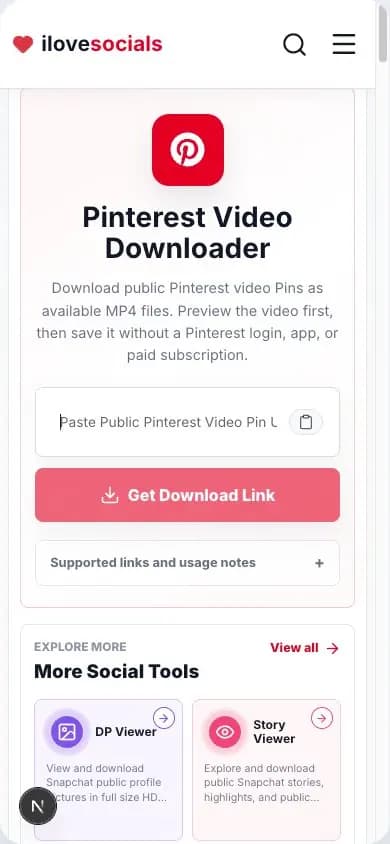
Original interface: the public Pin URL field before pasting a link. Copy the Video Pin Link
Open Pinterest, select a public video Pin, and copy the link from the share menu.
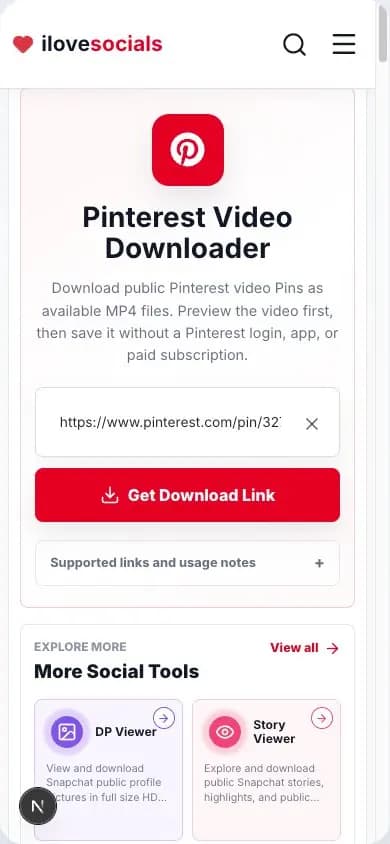
Original interface: a public Pin link entered with the result button ready. Paste the Link
Paste the copied link into the input field above.
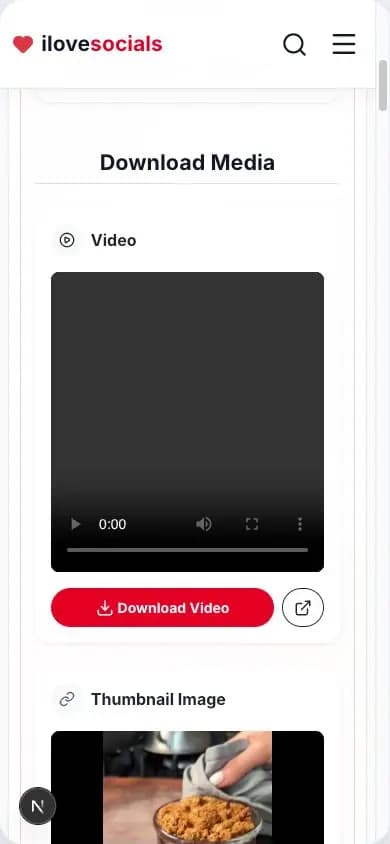
Original result: the returned video opened in the preview player before saving. Preview the Video
Generate the result and confirm that the title, preview, and video match the Pin you selected.
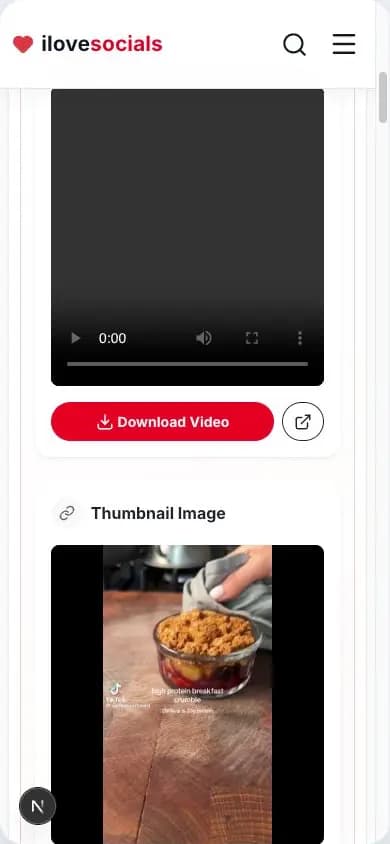
Original result: the video download action and matching thumbnail shown together. Save the Video
Use the download button to save the video to your device.
Quick answer
Paste a public Pinterest Pin link to preview the Pin and save the video version Pinterest makes available for it. Full Pin URLs and supported pin.it share links can work. The final file and quality depend on the public Pin and the source Pinterest returns.
Supported inputs and results
| Input | Status | Possible result |
|---|---|---|
| Public Pin URL | Supported | Available Pin preview and video |
| pin.it share link | When resolved | The public Pin behind the link |
| Public image Pin | Supported | The available picture result |
| Removed or private Pin | Source unavailable | A clear no-result message |
What to expect
- The result comes from one public Pin at a time.
- Video quality follows the version Pinterest makes available.
- A creator can control whether some full-screen video Pins are downloadable.
- Save or reuse a Pin only when you have permission.
Direct Pin links
Accepts full Pinterest Pin URLs and pin.it share links.
Preview before saving
Check the returned video or image before you download it.
Best available quality
Keeps the best usable quality found for that Pin.
One Pin at a time
Made for one public Pin link at a time.
Download a Pinterest video in a few easy steps
How to download a Pinterest video
Open the video Pin in Pinterest, tap Share, and choose Copy link. Paste that link above, complete the quick check, and wait for the preview. If it is the right Pin, tap Download Video.
For the smoothest result, use a full link to one Pin or the pin.it link from Pinterest's Share menu.
Video quality and file type
The downloader saves the best video quality available for that Pin. The original upload and Pinterest's available version decide how clear the saved video will look.
The preview helps you check the video before saving. Picture Pins appear as a picture result.
Tips for the best result
- Open the individual Pin and play the video first.
- Copy a fresh link from the Pin's Share menu.
- Paste the link by itself, with any message text removed.
- Use an updated browser and a steady internet connection.
Save content with permission
A public Pin still belongs to its creator. Download your own video, content you have permission to save, or content you are legally allowed to use. Ask before reposting or using someone else's work commercially.
Key Highlights
What you can expect
The steps and details on this page match what the downloader can show and save.
- Full Pin links and pin.it share links
- Video preview and easy download
- Picture result for picture Pins
- Simple steps for phone and computer
Testing information
- Last tested
- July 30, 2026
- Tested with
- Full public Pin URL and supported pin.it link
- Reviewed by
- ilovesocials Editorial Team
- Result quality
- The best usable version returned for that public Pin
Official sources
We use official help pages to check platform rules and keep this page clear.
Frequently Asked Questions
How do I copy a Pinterest video link?
Which Pinterest link gives the best result?
What video quality will I receive?
Where will the saved video appear?
How can I use a saved Pinterest video?
Use it with care
Enjoy public Pinterest content responsibly. Keep the creator's permission and rights in mind whenever you save, share, or reuse a video.
Disclaimer
ilovesocials.com is an independent tool for saving publicly available Pinterest video content only.
We do not host, store, or archive Pinterest media files on our servers. Media links are fetched from publicly accessible sources where available.
We do not request Pinterest passwords, private account access, or login credentials.
Use downloaded content respectfully. You are responsible for following Pinterest's Terms of Service, creator rights, and applicable copyright laws.
ilovesocials.com is not affiliated with Pinterest. Trademarks belong to their respective owners.